Sorry I lied trend guide
The sorry I lied trend is a TikTok photo carousel: slide 1 shows a Halloween costume far better than the one you wore, each slide after it takes a little back, and the last one is the real photo with “I’m so sorry”. Here is exactly how to make one, with the captions from the two most played posts and free prompts for the dream slide.
Every viral version follows the same shape. These are the two posts that carried the sorry I lied trend; swipe through them right here, caption for caption:
The butterfly post that made the format a Halloween trend.
The Hello Kitty version, the most played sorry I lied trend post so far.
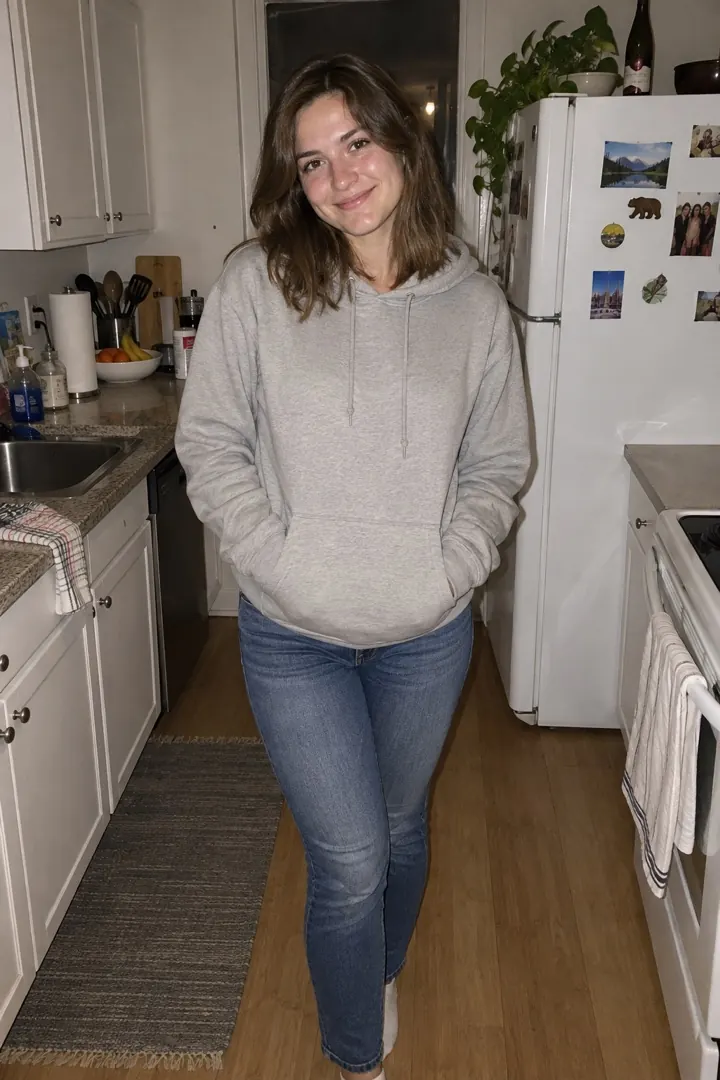
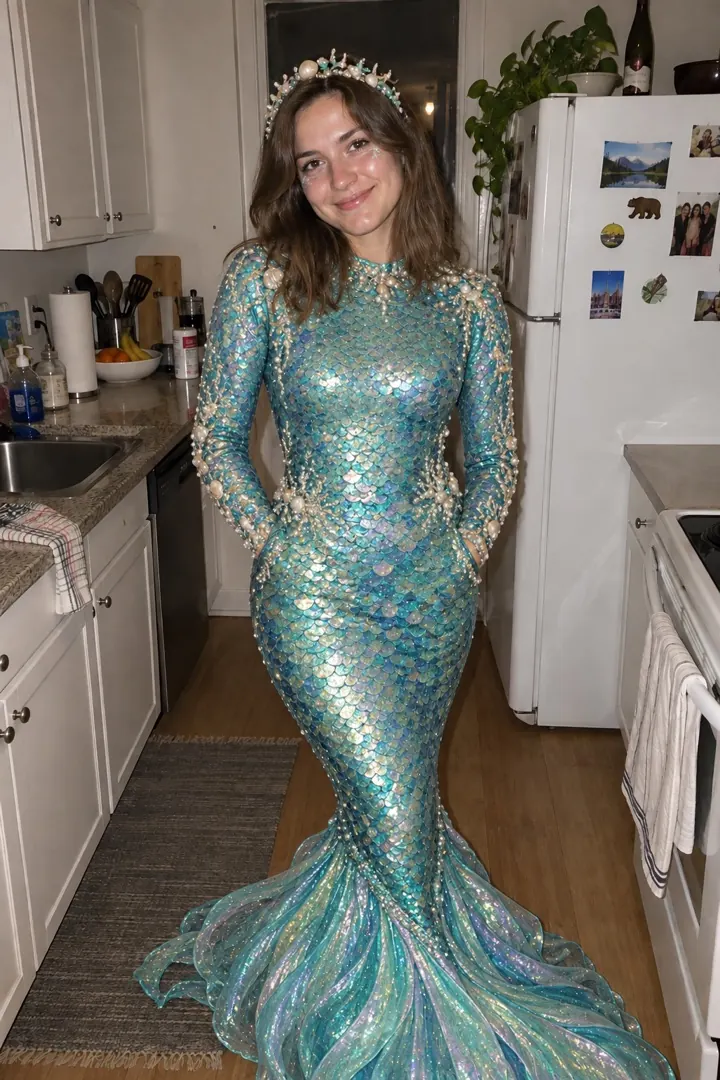
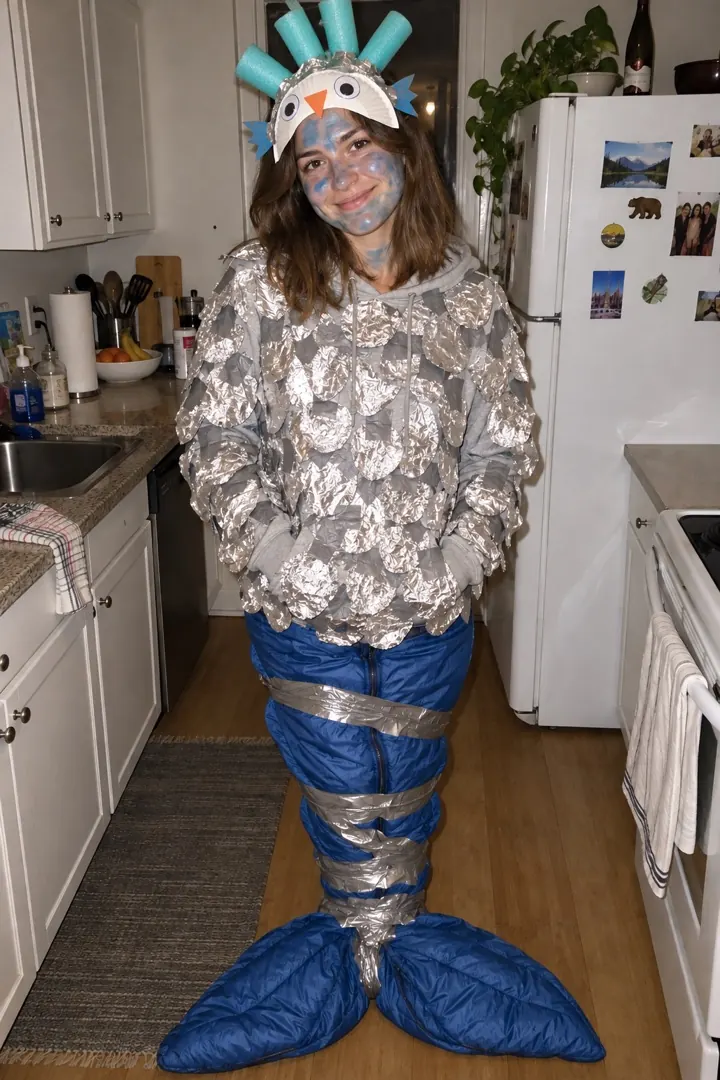
Notice what stays the same: the room, the pose and the face. Only the costume changes, so the drop on the last slide lands. Here is the same idea made on this site, each from one normal photo:
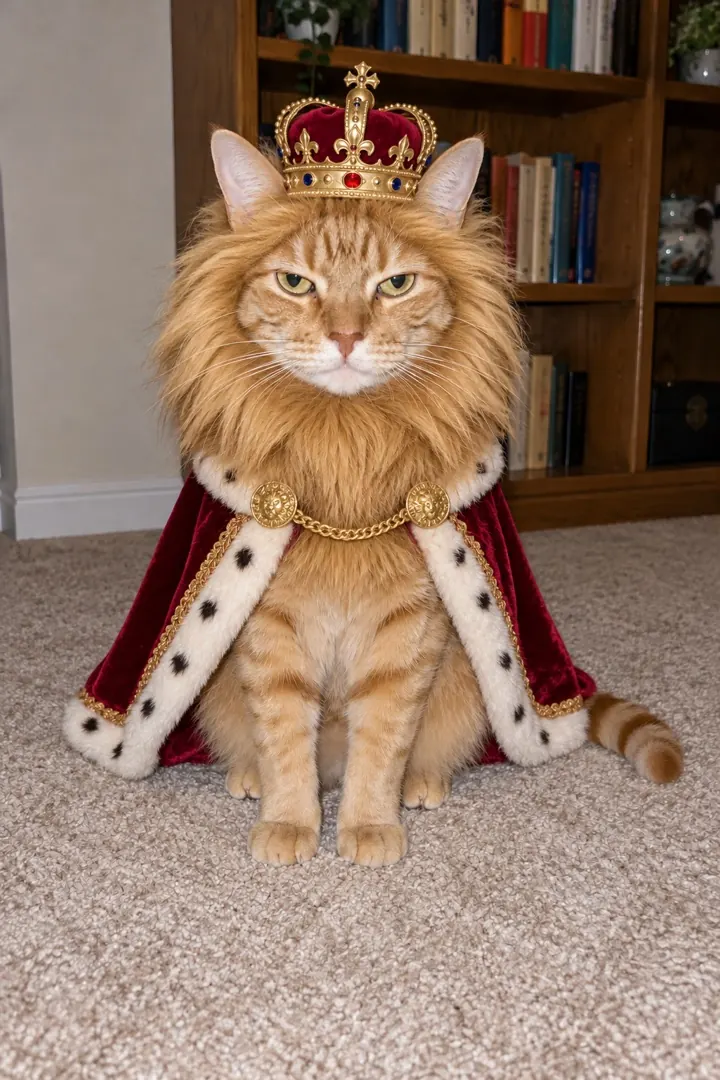
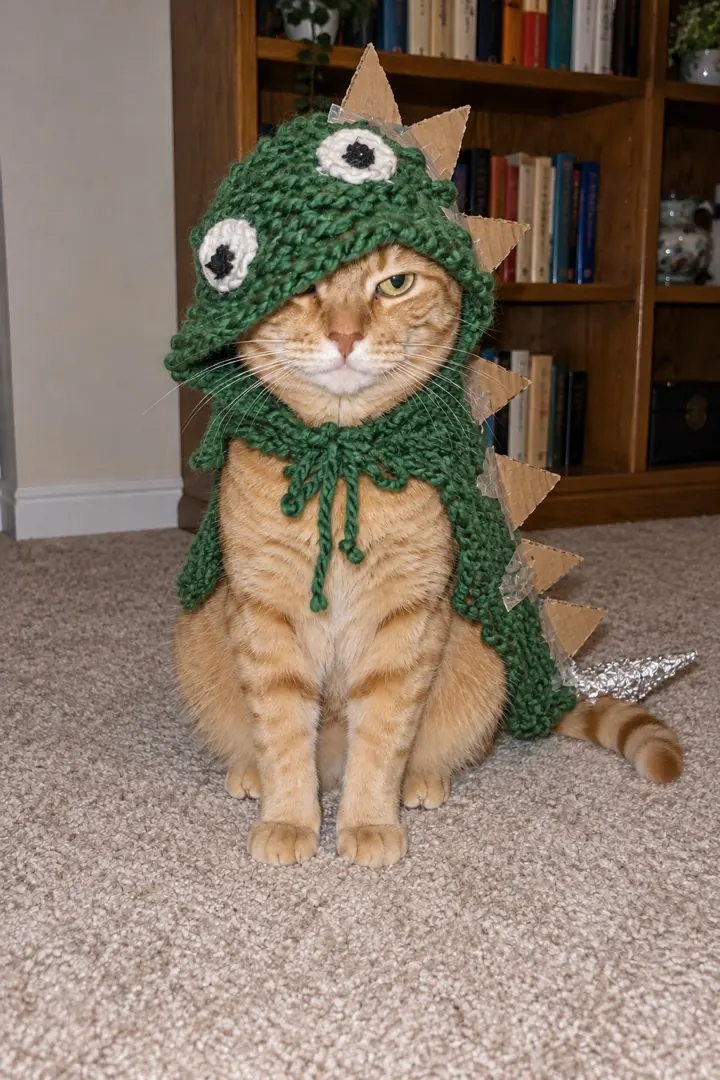
Make your own from one photo One photo in, every slide out. Captions on.
You can do the whole sorry I lied trend for free. Open ChatGPT or Gemini, upload your photo and paste one of the dream prompts below. Ask again if the face drifts; it can take a few tries before the room and the pose look right.
Then put the slides in order and add the captions. The free TikTok slideshow maker here adds the trend captions and exports 9:16 slides or an MP4 in your browser, no sign-up.
The sorry I lied trend maker does it in one go: upload one photo, type the costume you were going to be and pick how it went wrong. You get the dream and the truth, or a story of 3 to 5 slides, with the same face and room, captions already on.
Many AI tools call similar models with similar prompts, and the results still look very different. What makes the difference is everything around the prompt:
Make your sorry I lied trend slides Pick a costume and how it went wrong.
Keep each caption short and put it on the photo, not in the description; most people never read the description. Fill in the blanks with your costume.
Add them in the slideshow maker Free, no sign-up, nothing uploaded.
Starter prompts for any AI image editor. Ask for the costume and ask it to keep everything else, so the photo still passes for real. Swap in any costume you like.
Edit my photo so I'm wearing an amazing [costume] Halloween costume. Keep my face, pose and the room the same, and make it look like a real photo.
The sound is Coming Up Roses by Harry Styles. On TikTok it is listed as “original sound - secret_alt6741”, and the CapCut template version uses “original sound - harrison.saltzman”. Add it inside TikTok, not in your editor, so your post shows up on the sound page with everyone else’s.
Hard cut or transitions? Almost every viral post is a plain carousel that you swipe yourself. Transitions only show up in CapCut template tutorials, at about one second a slide.
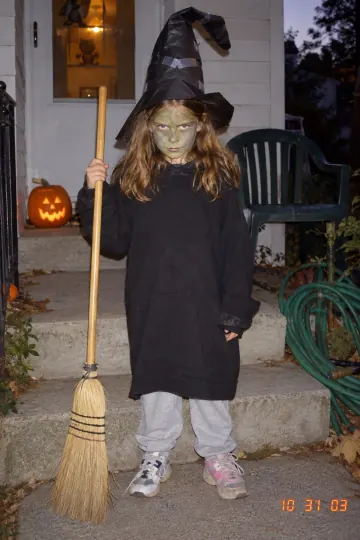
Post a photo carousel: slide 1 is a costume far better than the one you wore, the middle slides take it back one caption at a time, and the last slide is the real photo with "I’m so sorry". Add Coming Up Roses as the sound and post it as photos, not a video.
Coming Up Roses by Harry Styles. On TikTok it is "original sound - secret_alt6741"; the CapCut template uses "original sound - harrison.saltzman". Add it inside TikTok so your post lands on the sound page.
Yes. Make the dream slide with a free ChatGPT or Gemini image edit using one of the prompts above, add the captions in any slideshow app, and post. The free slideshow maker on this site does the captions and the 9:16 export without a sign-up.
No. A photo from this year works: the AI makes the dream costume and the truth from the same picture. A real childhood photo just makes the last slide funnier.
Yes, but it adds transitions at about one second a slide. Almost every viral post is a plain photo carousel with a hard cut, so you do not need it.
A dream vs truth pair is 32 credits; packs start at $4.99 and never expire. The slideshow maker is free.
Sources: The trend sound on TikTok (secret_alt6741) · Butterfly carousel by @chelsealmarie · Hello Kitty carousel by @j.villafuerteee · TikTok: labels for AI-generated content. Play counts as read on October 22 and 23, 2026. More background: what the sorry I lied trend means.
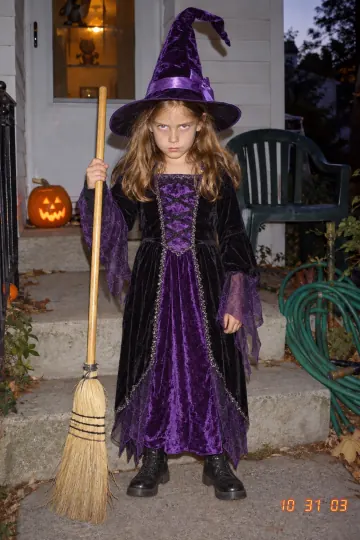 Halloween AI trendsEvery Halloween trend on the site, and which one to do first.
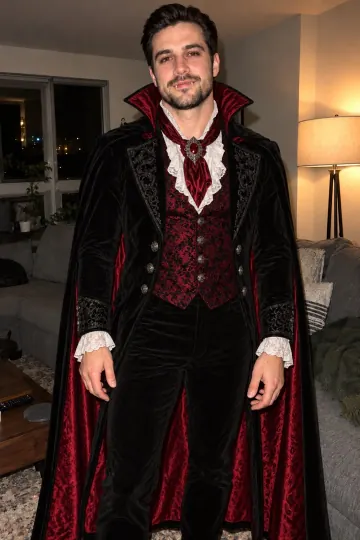 AI lie makerThe sorry I lied trend: the dream costume, then the one you got.
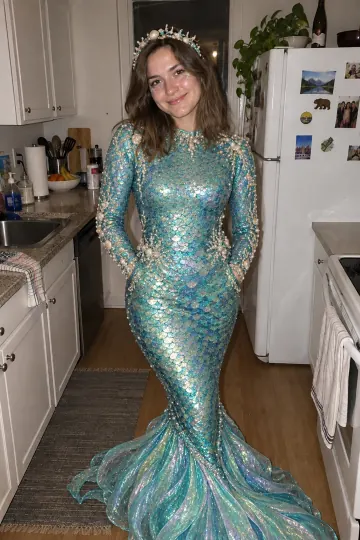 AI Halloween costumeTry any costume on your own photo before you buy it.
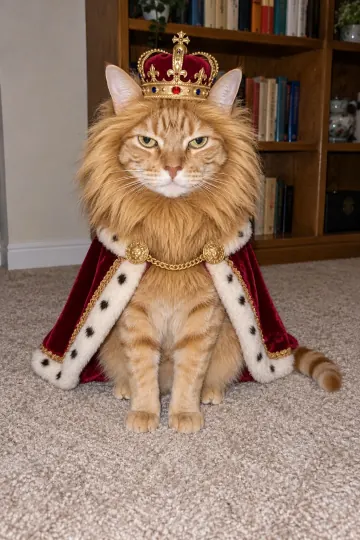 AI Halloween videoOne photo in, five seconds of video with sound out.
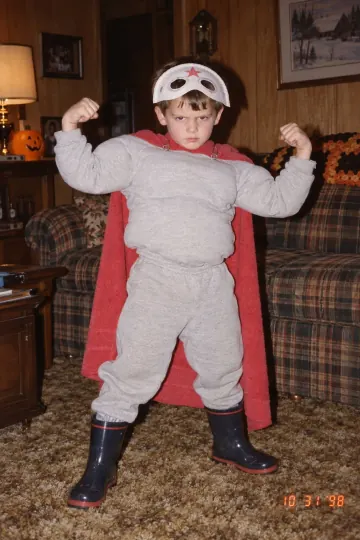 AI jumpscareThe photo jumps out with a BOO, then cracks up.
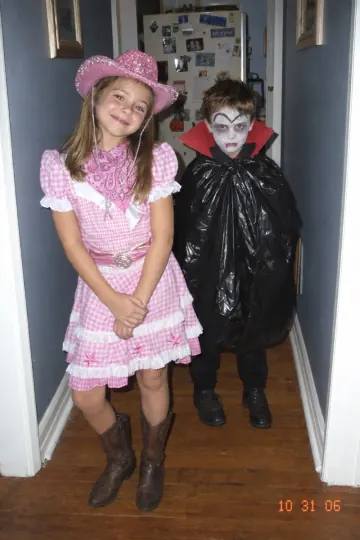 Free slideshow makerTrend templates with captions, made in your browser.
 What is the sorry I lied trendWhat it means, where it came from, the posts that made it.
Make your sorry I lied trend slides from the photo already on your phone: the dream, the take-backs and the truth.